
Master Your Revenue Recovery.
Learn how to identify revenue leakage, understand recovery opportunities, monitor performance, and get more from Recoupant Revenue Recovery with our step-by-step tutorials.
Tutorial Categories
Six categories covering everything from getting started to advanced billing and ARU usage.
Getting Started
5 tutorials
Learn the basics of Recoupant and navigate the platform with confidence.
Your Revenue Dashboard
6 tutorials
Understand your recovery metrics, opportunity statuses, and performance trends.
Integrations
6 tutorials
Connect your business systems and manage data sources for recovery scanning.
Revenue Recovery
7 tutorials
Understand recovery opportunities, authorize actions, and track outcomes.
AI Assistants
6 tutorials
Use Recoupant's AI agents for sales, support, and recovery guidance.
Plans, Billing, and ARU Usage
8 tutorials
Understand your subscription, billing period, plan allowances, and ARU consumption.
Tutorial Library
38 step-by-step tutorials. Search by title or topic, or filter by category.
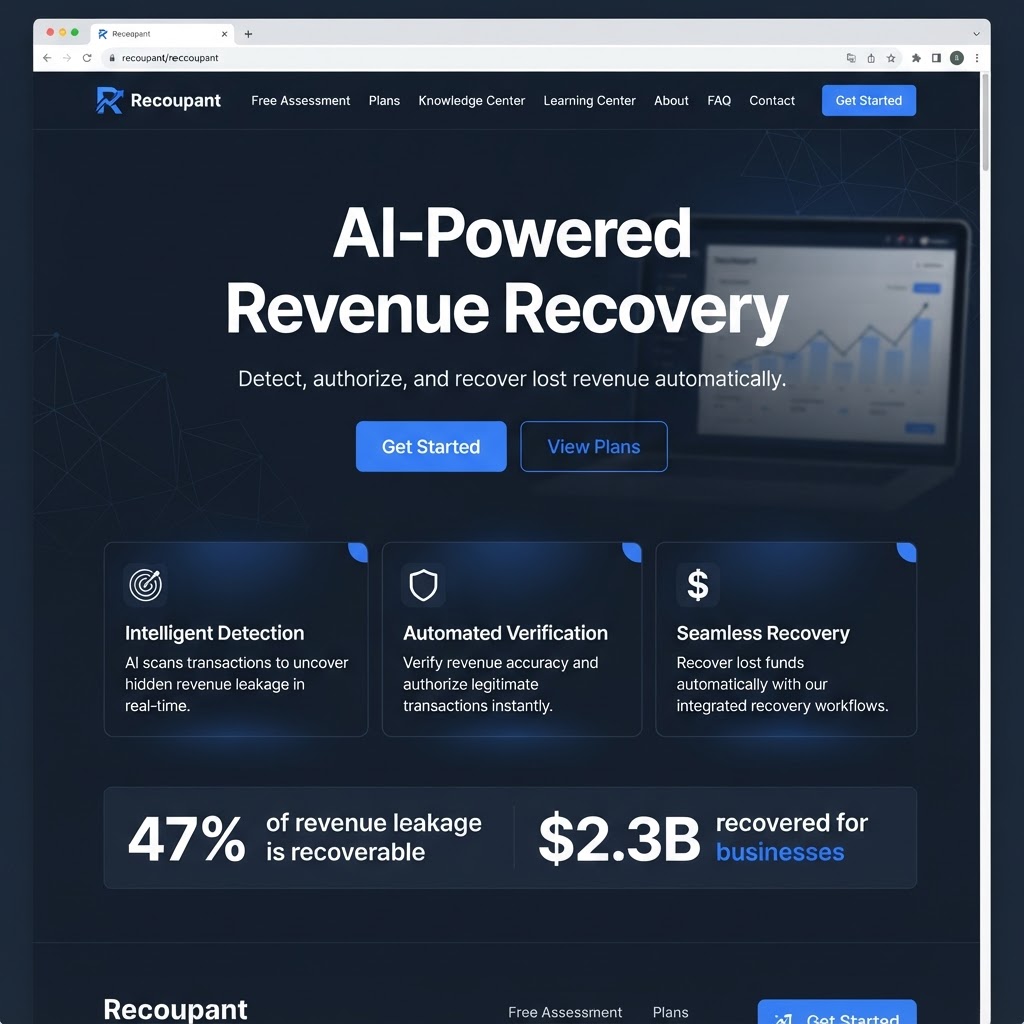
Your First Look at Recoupant
An introduction to Recoupant Revenue Recovery — what it does, how it works, and what you can expect from the platform.
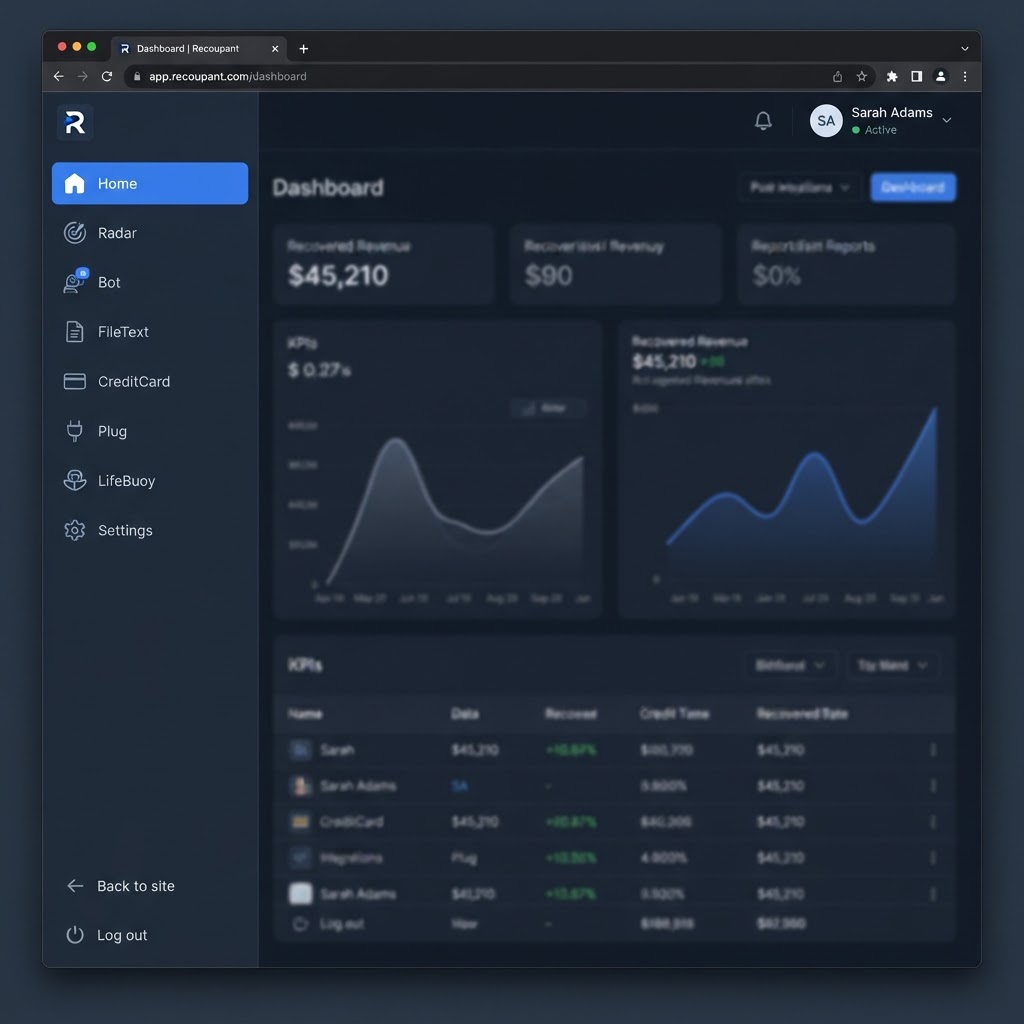
Understanding Platform Navigation
Learn how to move between the public site, the customer portal, and the admin area using the sidebar and top bar.
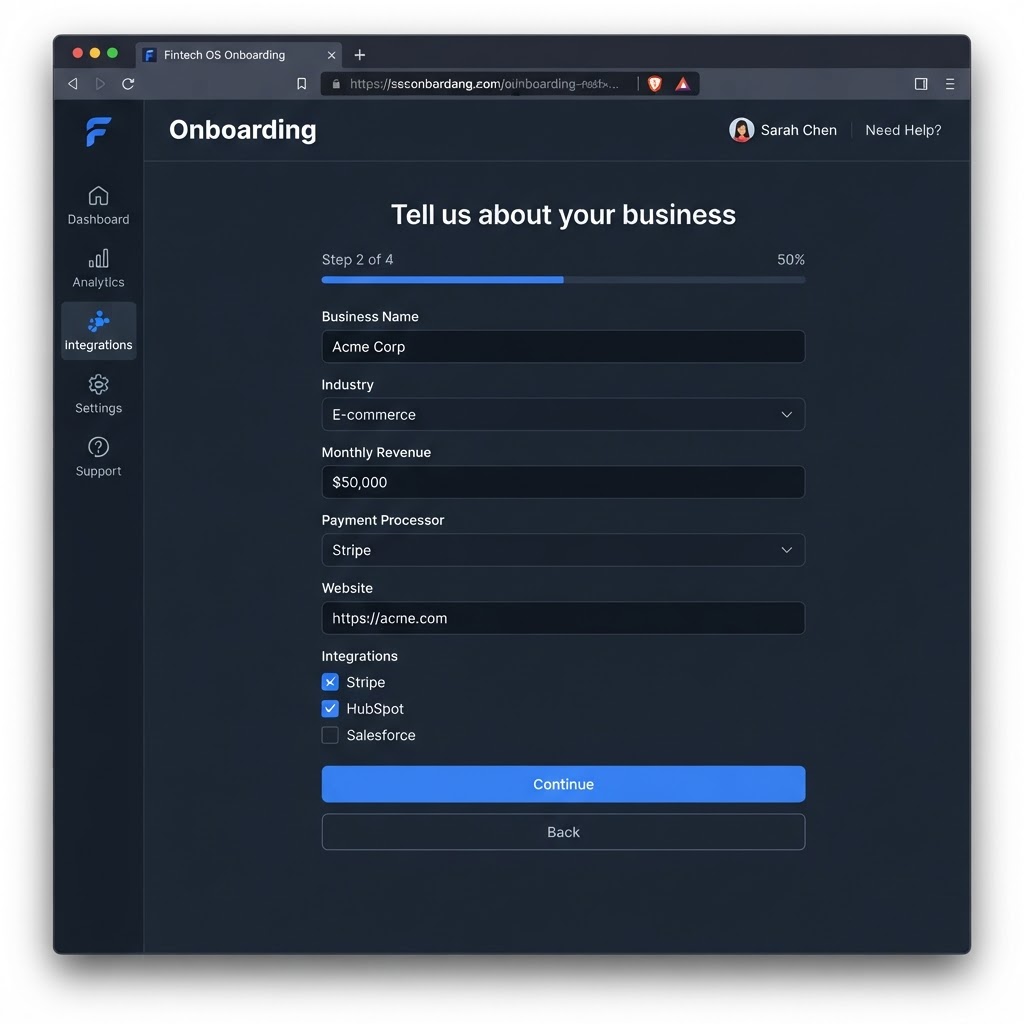
Completing the Onboarding Process
Walk through the onboarding flow that collects your business details, industry, and integration preferences after you subscribe.
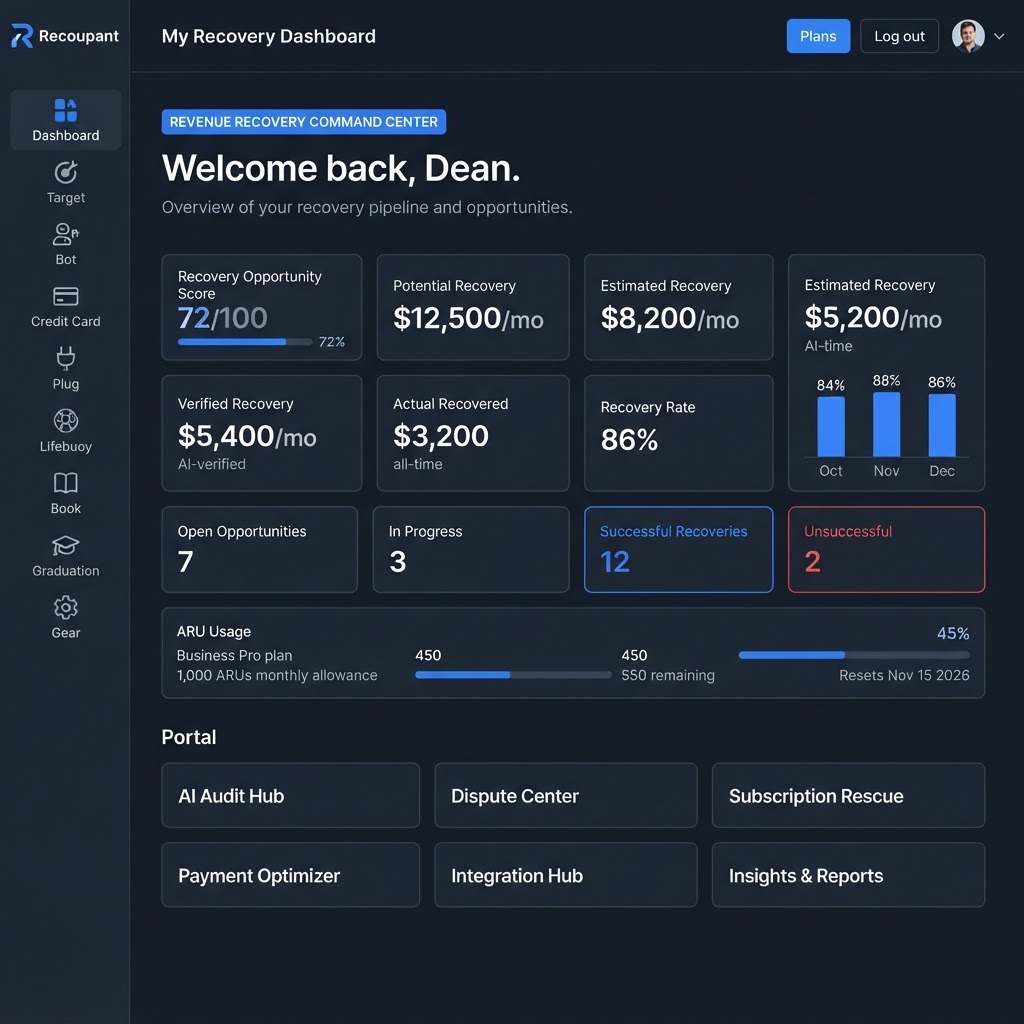
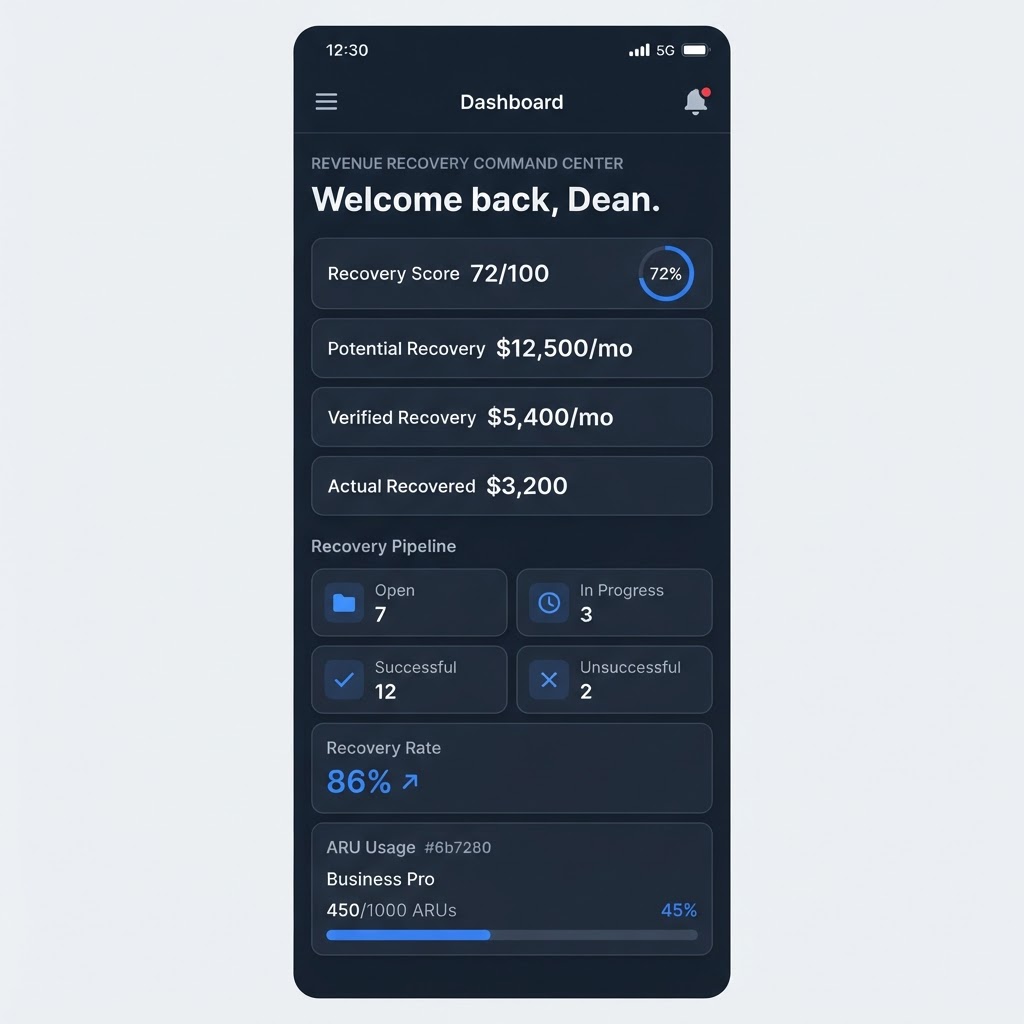
Understanding the Main Dashboard
Get oriented on the customer dashboard — the ARU usage panel, recovery metrics, opportunity counts, and portal navigation.
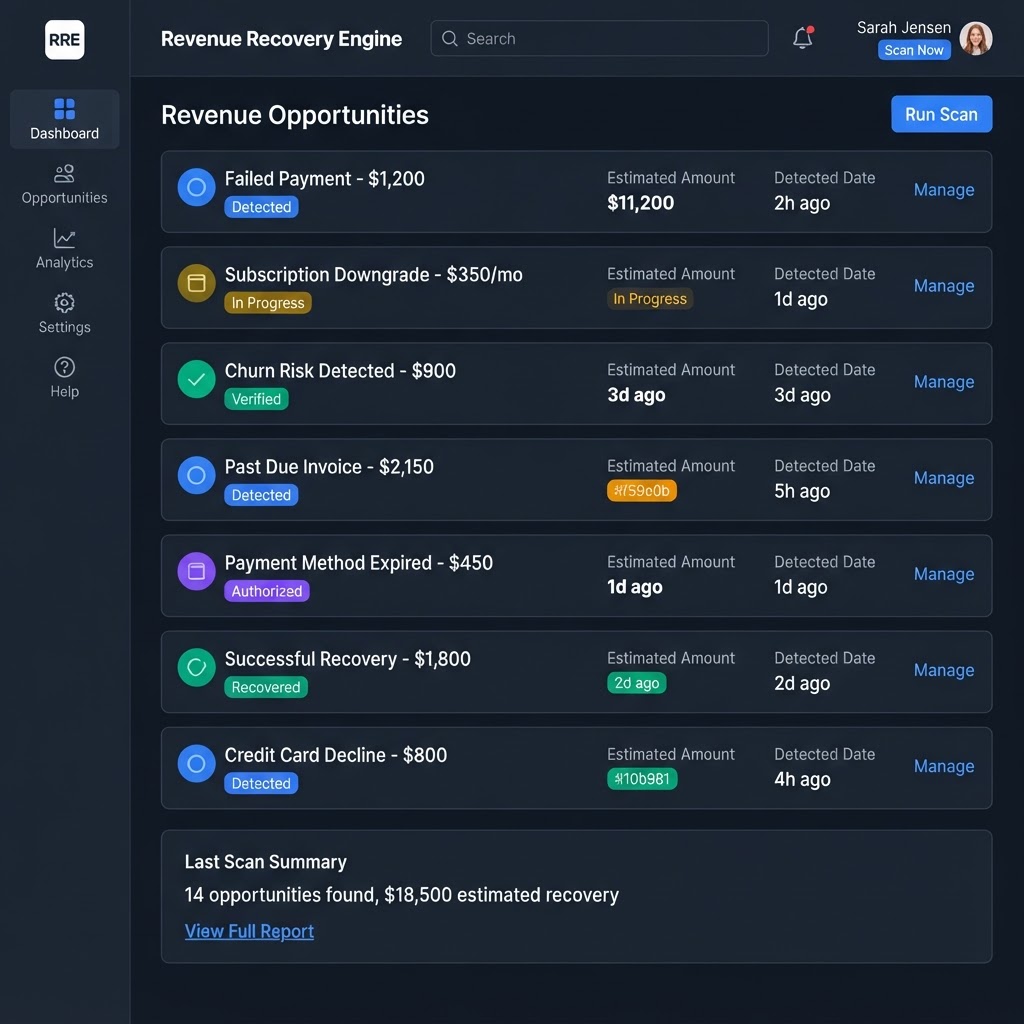
Detected Opportunities vs. Completed Recovery Attempts
Understand the critical distinction between a detected opportunity and a completed recovery attempt — and why only completed attempts consume ARUs.
Understanding Your Revenue Dashboard
A guided tour of the customer dashboard — what each section shows and how to interpret the information.
Interpreting Recovery Metrics
Learn what each recovery metric means — potential, estimated, verified, and actual — and how they differ.
Understanding Opportunity Statuses
Learn what each opportunity status means — from detected to authorized, in progress, recovered, and unsuccessful.
Reviewing Recovery History
Learn how to review past recovery attempts, their outcomes, and historical recovery results.
Understanding Performance Trends
Learn how to read the recovery trend chart and understand your recovery rate over time.
Estimated Recoverable vs. Actual Recovered Revenue
Understand why estimated and actual figures differ, and why estimates are not guarantees.
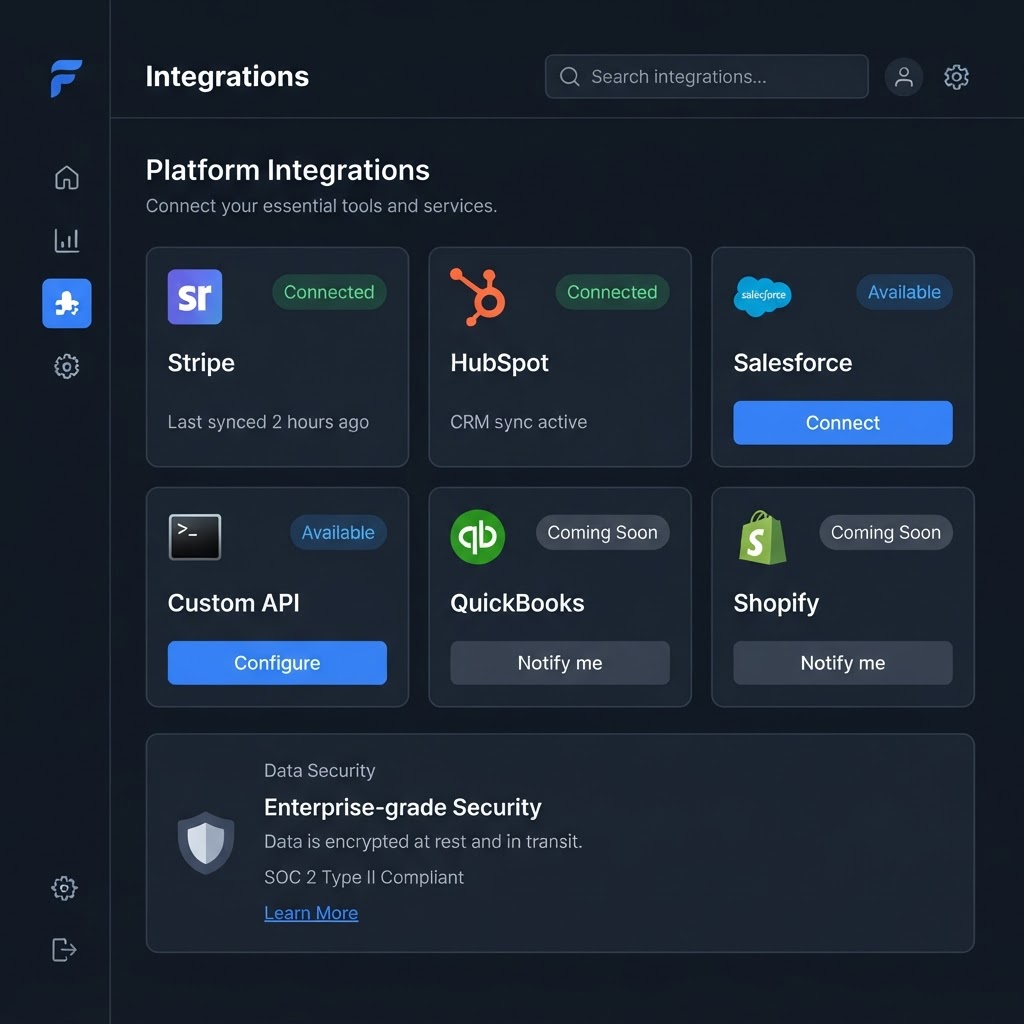
Connecting Your Business Tools
Learn which integrations Recoupant supports and how to find the Integrations page.
Understanding the Connection Process
Walk through how to connect each type of integration — OAuth for CRM, API key for Custom API and Stripe.
Understanding Authorization and Permissions
Learn what permissions each integration requires and how Recoupant protects your credentials.
Checking Integration Status
Learn how to check whether your integrations are connected, syncing, or encountering errors.
Troubleshooting Common Connection Issues
Solve common integration problems — failed OAuth, sync errors, and permission issues.
Managing Existing Connections
Learn how to sync, disconnect, and manage your active integrations.
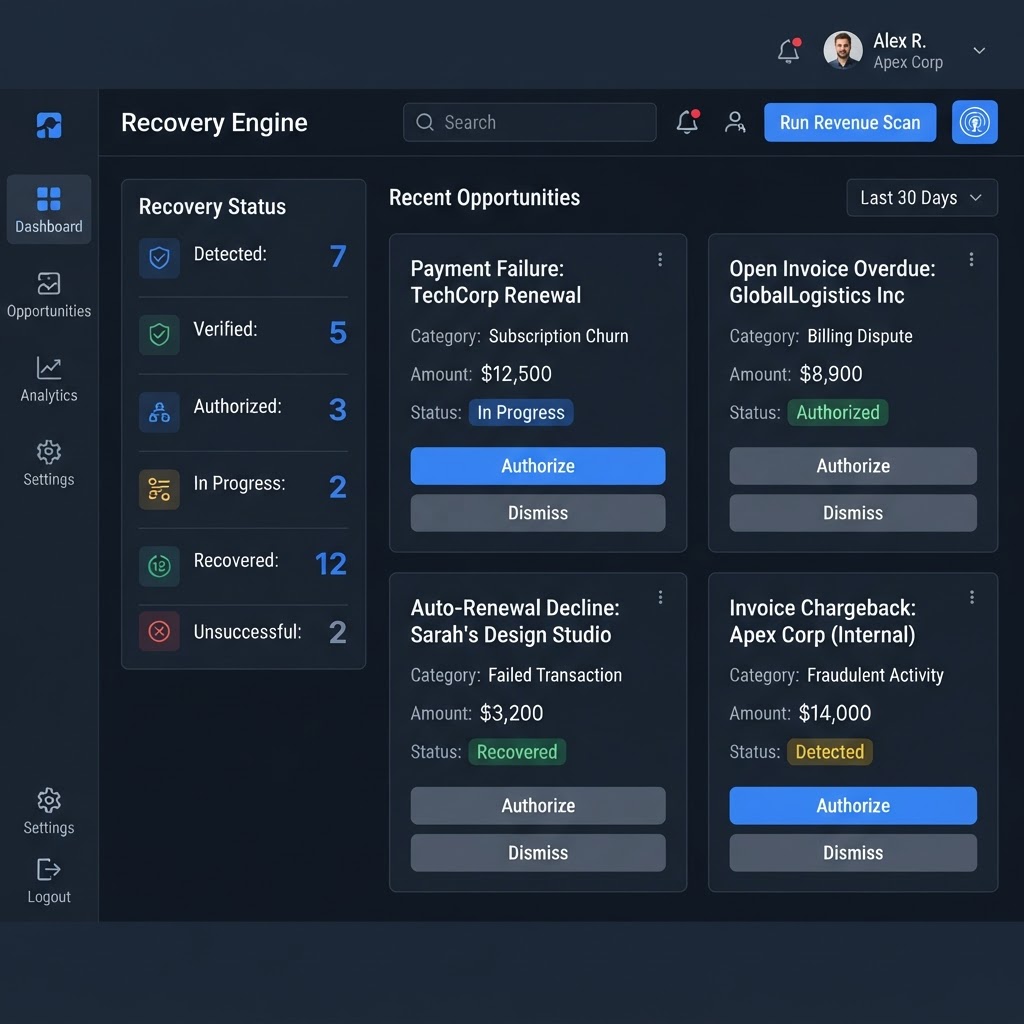
Understanding Recovery Opportunities
Learn what detected opportunities are, how the scanner finds them, and what information each one provides.
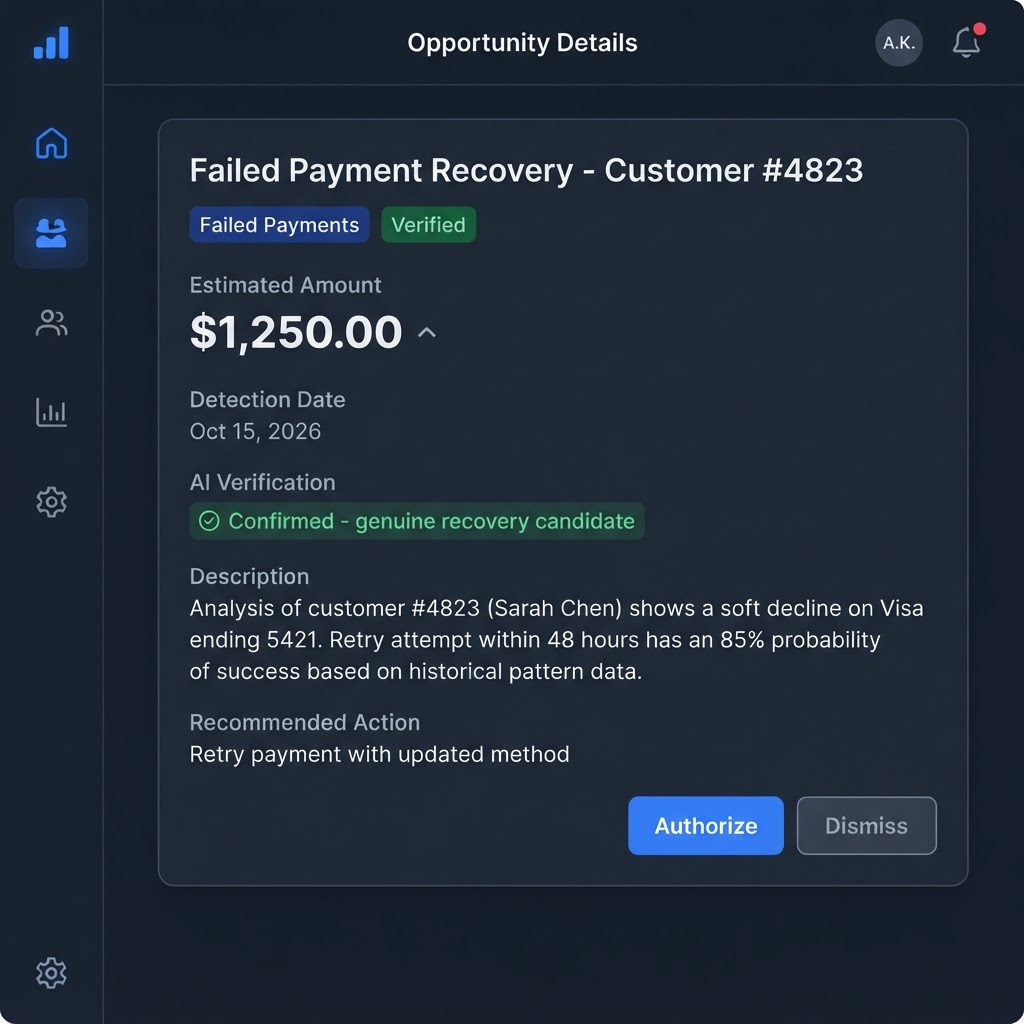
Reviewing Opportunity Details
Learn how to open an opportunity, read its details, and decide whether to authorize or dismiss it.
Understanding Prioritization and Recovery Status
Learn how Recoupant prioritizes opportunities and what each recovery status means.
Initiating an Authorized Recovery Action
Learn what happens when you authorize a recovery action and how the attempt is initiated.
Following a Pending Recovery Attempt
Learn how to track a recovery attempt that is in progress and understand pending status.
Understanding Successful and Unsuccessful Outcomes
Learn what each recovery outcome means and how to interpret results.
Reviewing Completed Attempts and Historical Records
Learn how to review your recovery history, including completed attempts and their outcomes.
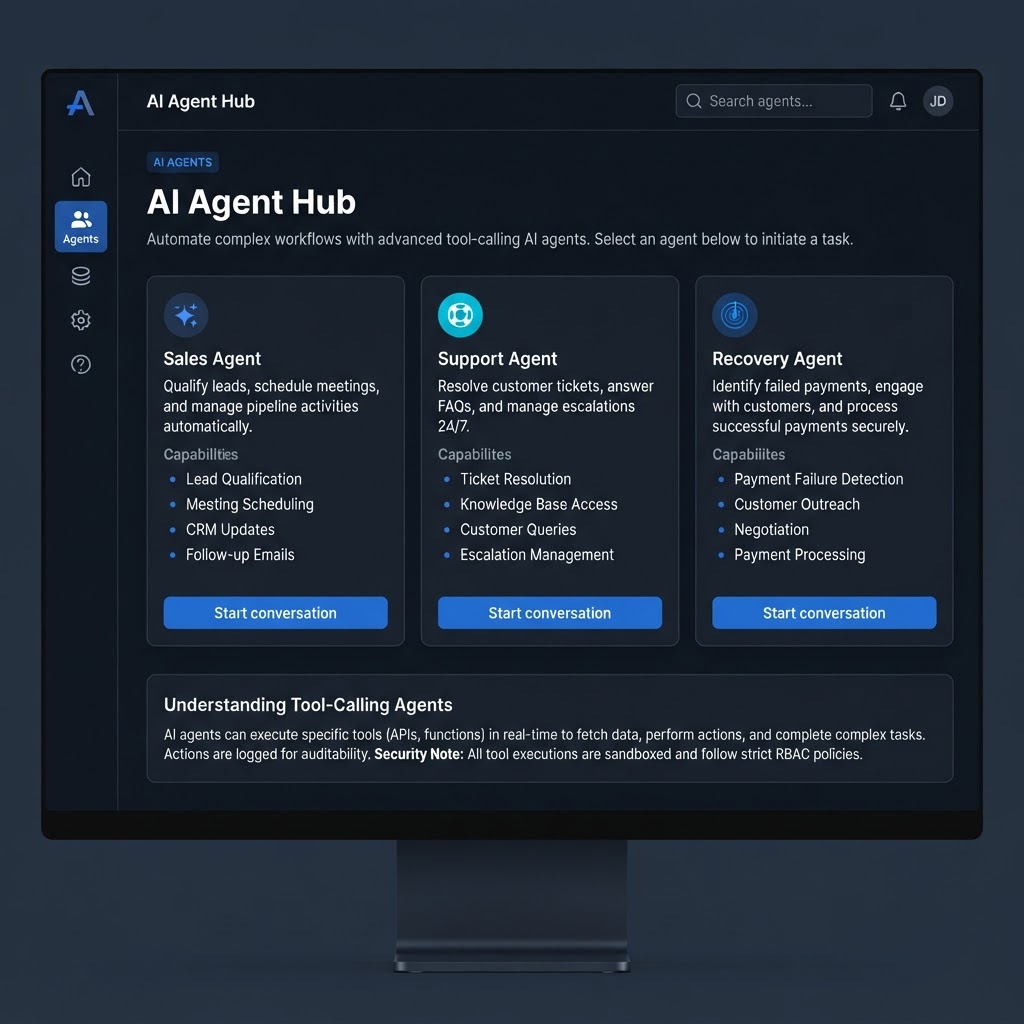
Using Recoupant's AI Assistants
Learn how to use the Sales AI assistant to choose a plan, understand your assessment, and start checkout.
Using the Support AI Assistant
Learn how to use the Support AI assistant for platform questions, billing help, and support tickets.
Asking Questions About Platform Features
Learn how to ask effective questions to the AI assistants and get the most helpful answers.
Understanding Dashboard Metrics with AI Assistance
Learn how to use the AI assistants to understand your dashboard metrics and recovery performance.
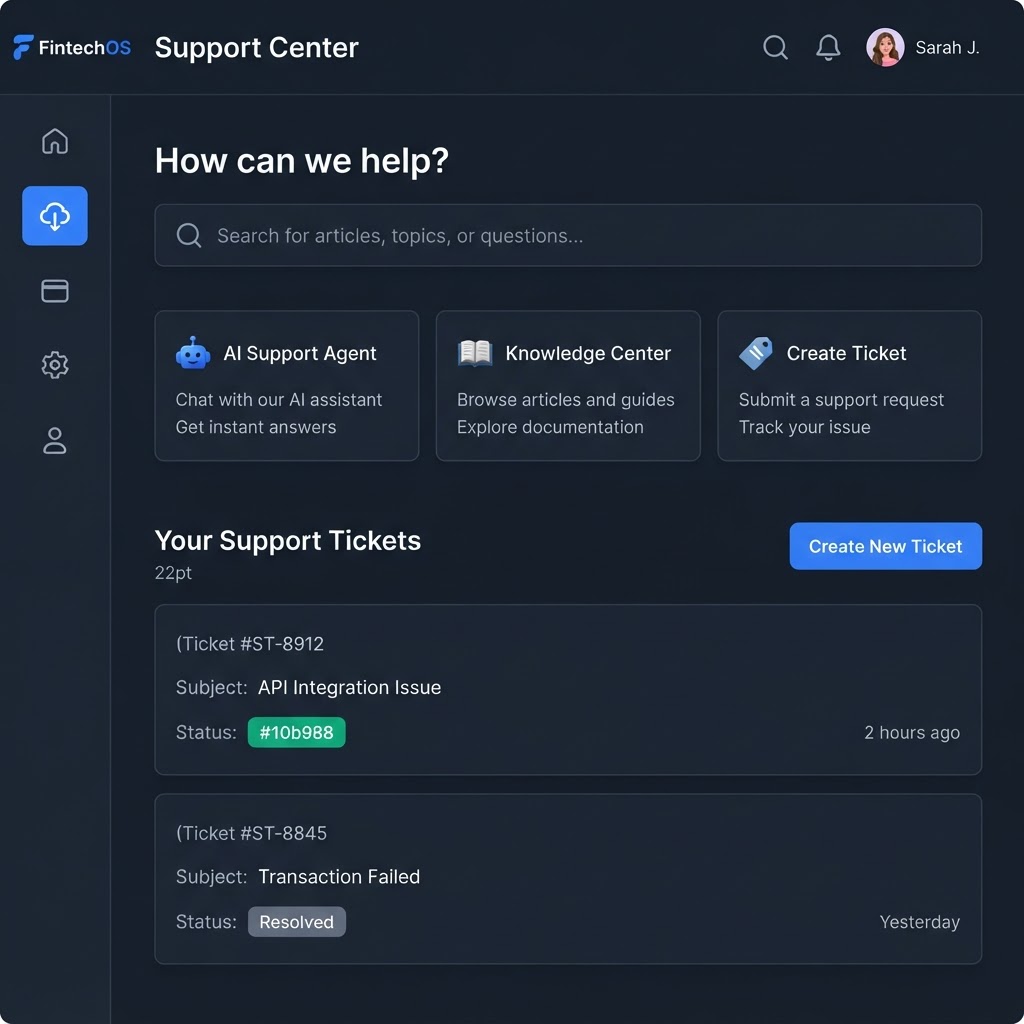
Troubleshooting Common Questions
Learn how to resolve common issues with the AI assistants and know when to contact human support.
Understanding AI Capabilities and Limitations
Learn what the AI assistants can and cannot do, and understand their limitations.
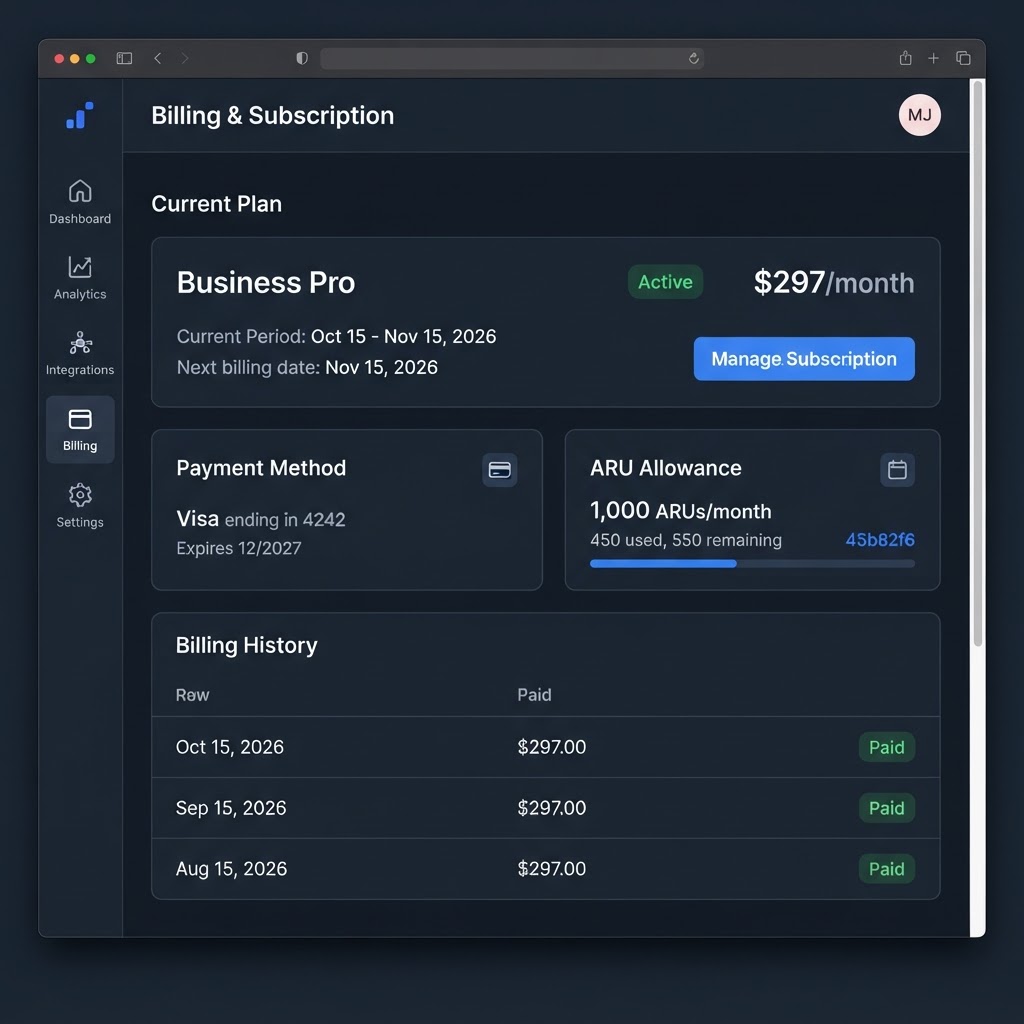
Viewing Your Current Subscription
Learn how to view your current plan, status, and subscription details on the Billing page.
Understanding the Subscription Billing Period
Learn how your billing period works, when it resets, and how it affects your ARU allowance.
Understanding Plan Allowances
Learn what your plan includes — AI agents, ARU allowance, and recovery fee percentage.
Viewing ARUs Used and Remaining
Learn how to check your ARU consumption, remaining allowance, and usage history.
Understanding How ARUs Are Consumed
Learn the official ARU definition and understand exactly what consumes an ARU.
Understanding Why Scans, Analysis, and AI Chats Do Not Consume ARUs
Learn why only completed recovery attempts are metered, and why scanning and analysis are free.
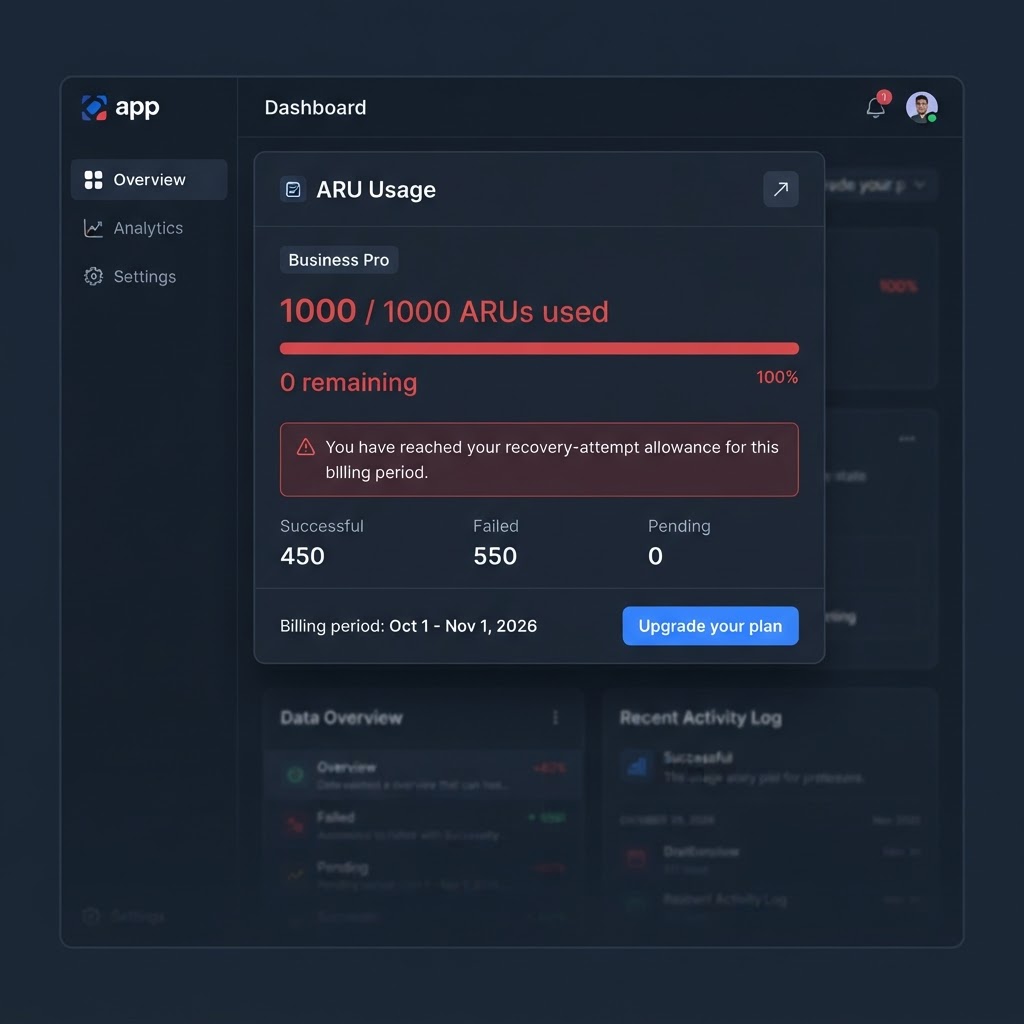
Understanding What Happens When ARUs Are Exhausted
Learn what happens when you reach your ARU allowance limit and what you can still do.
Managing Your Subscription
Learn how to manage your subscription — upgrade, cancel, request a refund, and access the billing portal.
Screenshot notice. The images shown throughout the Learning Center are illustrative representations created for educational purposes. They depict sample data and may not reflect the exact appearance, layout, or content of the live Recoupant interface. For the most current experience, please explore the live platform directly.
Ready to Start Recovering Revenue?
Take the free Revenue Recovery Assessment to see your recovery opportunity score, or explore our plans to get started.
Estimates are not guarantees of results. No subscription required to read tutorials.